
YOUR BODY.YOUR COMFORT.YOUR SIZE.

A better fit,
every time you shop.

A guided body scan with your iPhone. Your size from the shop’s own chart.
And the reason behind it.

Take a little tour
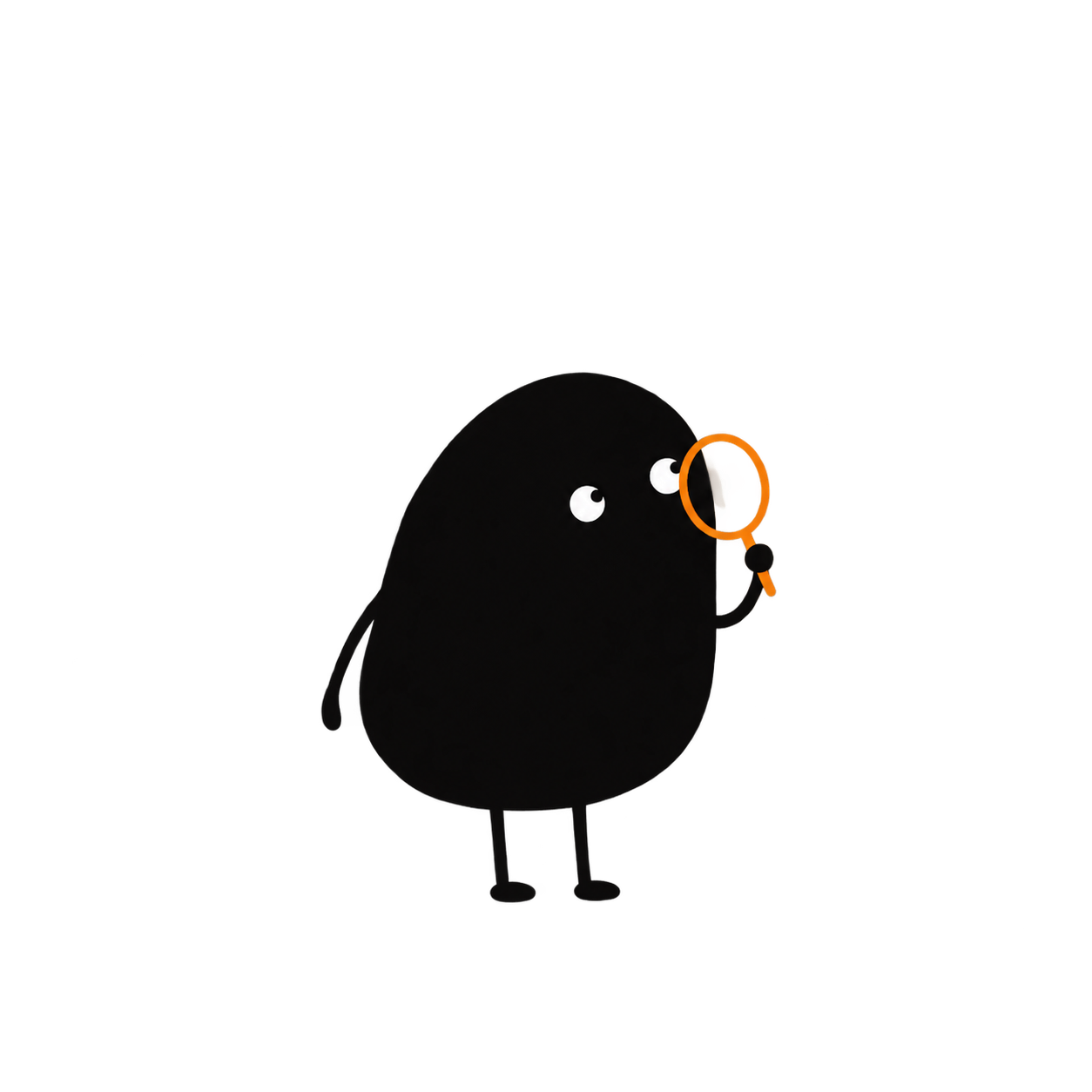
Pip waves beside a miniature wardrobe of cream and lavender clothes, holding a plum measuring ribbon
Your kind
of comfortable.
A fit worth
remembering.

Hi, I’m Pip. Let’s find what feels like you.

Pip joins the app in its next update.
Your measurements, scanned onceSize guidance with a reasonYour good fits, remembered

DIFFERENT SHOP. DIFFERENT LABEL. SAME YOU.

The label changes.
Your comfort still matters.

SizeRef brings your measurements, the shop’s own size chart, and the way you like clothes to fit into the same check.

A LITTLE HELP. A LOT MORE CLARITY.

From “will it fit?”
to “that feels like me.”

Start with your body. Add the piece you’re looking at. Keep what you learn along the way.

Prop up your iPhone and follow the spoken steps: a front view, then a side view. SizeRef gives you seven measurements, each as a range. Your scan photos are never saved or sent.

Have measurements already? Type in your own, or use two photos from your gallery.
Get SizeRef
YOUR MEASUREMENTS
Pip gently points the waySeven measurementsEach as a range

Scanned once.
Ready for your next check.

A little illustration of the journey
Pip is curious about your preferencesI’m listening.

COMFORTABLE LOOKS DIFFERENT ON EVERYONE

What’s your kind
of comfortable?

A little closer. A little more room. When you fall between two sizes, SizeRef asks how you like it to fit and remembers your choice for each kind of clothing.

“The size the brand designed. Got it.”

An example of the choice the app asks for. Nothing you tap here is collected.

Find my kind of fit

MEET THE APP

A little less guessing.
A little more you.

A place to understand your fit, keep the sizes that work, and pick up where you left off.

Your measurements, your starting point.

Review your seven measurements, see them on a 3D model built from your numbers, and rescan whenever you like.

A reason behind the size.

Check what was read from the shop’s chart, then see your size with its odds and how it may fit each area.

Good fits have a home.

Your checks live in History. Rate how a purchase fit and see your sizes by brand.

Get SizeRef for iPhone

Free on the App Store for iPhone (iOS 15.5 or later). Android is coming later.

A first look at the next update, with Pip

THE GOOD FINDS LIVE HERE

Good fits deserve
a little memory.

That tee you reach for. The shirt that feels just right.
Tell SizeRef its size and how it fits, ready for the next time you’re deciding.

A SIZE YOU OWN COULD LOOK LIKE THIS

“Tops · Size M · Just right”

A tee you love, ready to compare with your next one.

A saved fit is more useful when it remembers how it felt.

Keep the good fits close

A LITTLE FRIEND IN YOUR CORNER

You set the pace.
Pip tags along.

A calm guide when something feels new. A small celebration when it clicks. Pip brings a little warmth to the practical stuff, and joins the app in its next update.

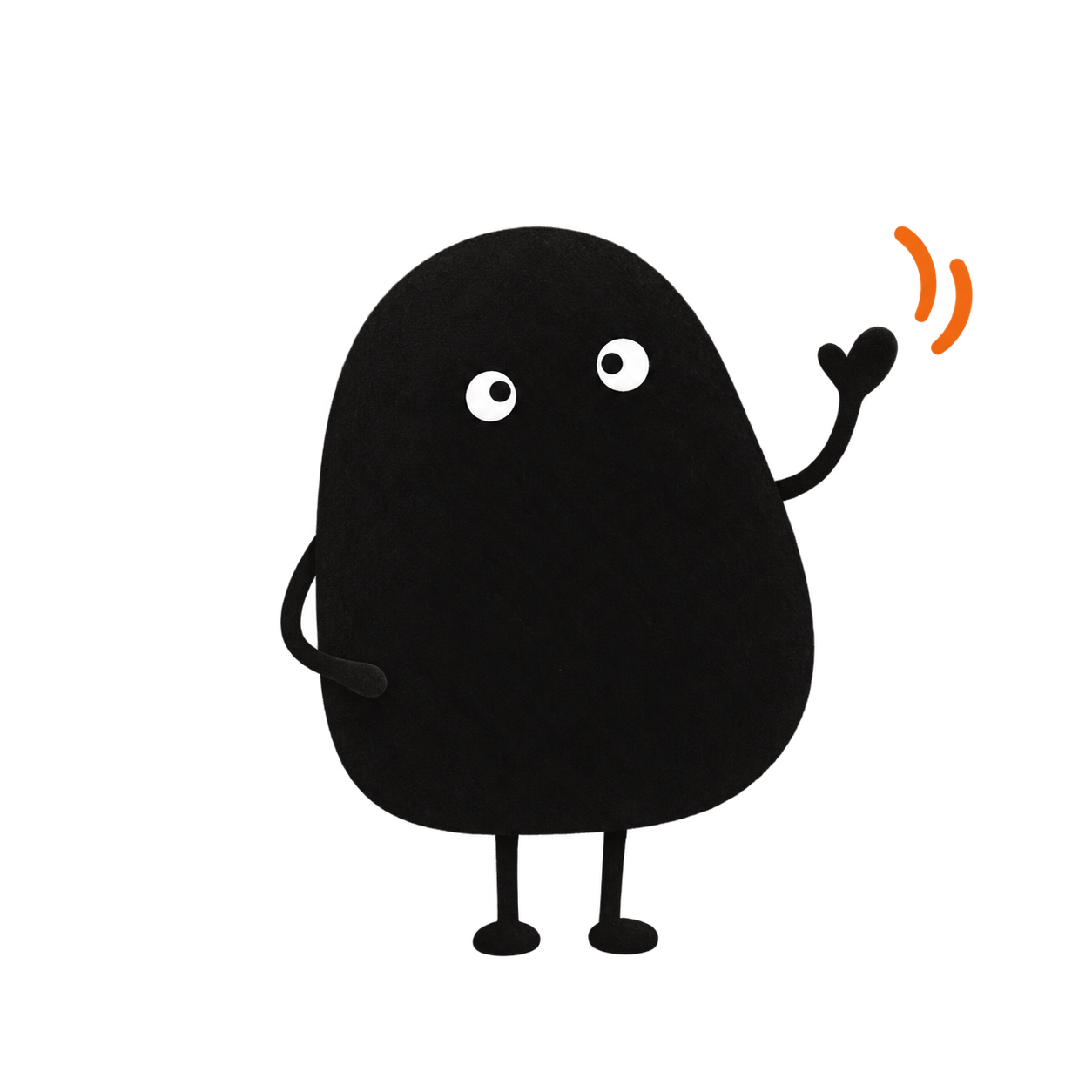
Pip gives a little wave

“Hi, I’m Pip. Your fit, your pace. I’m here.”

Try a moment with Pip.

A LITTLE CLARITY, BEFORE YOU GO

Wondering
about something?

There’s room for your questions, too.

Pip listens
What does SizeRef help me do?

SizeRef helps you choose the clothing size most likely to fit before you buy online. Scan your body once, then paste a product link or add screenshots. SizeRef reads the shop’s own size chart and suggests a size with honest odds, a note for each body area and the reason behind it.

How does the body scan work?

Prop up your iPhone, step back and follow the spoken steps: a front view, then a side view. The scan runs on your phone and works offline. It gives your chest, waist, hips, shoulders, torso length, arm length and inseam, each as a range. Torso length is estimated mostly from your height, and if your legs are touching, so is your inseam; the app labels both. Your scan photos are never saved or sent; only the measurements are kept. This website doesn’t scan you.

Can I use measurements I already have?

Yes. You can type in your own tape measurements, or use a front and a side photo from your gallery. Choose the route that feels comfortable and update your measurements whenever you need to.

Will one size work across every brand?

Size labels vary. A useful check needs the specific garment’s chart, reliable measurements, and your fit preference. Coverage depends on the chart details available. Fabric, stretch, and construction also affect how clothing feels. If a shop’s page can’t be read from its link, SizeRef asks for screenshots instead. A suggested size is an estimate and can be wrong.

What happens to my data?

Your measurements, sizes and history stay on your phone. There’s no account, no ads and no tracking. To read a product, SizeRef sends only the link or your screenshots, plus a random install number, and only after you say yes. The privacy policy has the details.

What can I try on this website?

Meet Pip, explore a fit preference, and peek at example sizes. Those choices stay on this page. They don’t collect measurements or create a personal size recommendation.

Where can I get the app?

SizeRef is free on the App Store for iPhone (iOS 15.5 or later). It isn’t available in the European Union or the European Economic Area. Android is coming later.

Pip celebrates a little win

YOUR NEXT GOOD FIT STARTS WITH YOU

Bring a little clarity
to your next shop.

Your body. Your kind of comfortable.
Your size, in your pocket.

Free on iPhone. Android is coming later. Pip arrives in the next update.
Pip gives a reassuring little wave

GET SIZEREF

Your next good fit
starts here.

SizeRef is free on the App Store for iPhone.
Android is coming later.

App StoreAvailable nowGoogle PlayComing later
The welcome screen from SizeRef’s next update, shown at a larger size

From SizeRef’s next update. The app on the App Store today looks different.

SizeRef

ABOUT THIS WEBSITE

A little look
at SizeRef.

The SizeRef app is live on the App Store for iPhone. Pip, the new look and the welcome screen shown here come from the app’s next update.

Fit preferences and example sizes on this website are illustrative. They do not run a scan, collect measurements, or calculate a personal size.

Pip’s art style: Ian Xiaohei Illustrations by Ian. See Licences.